Email privacy is not a single setting or a single tool — it is a stack of small, practical decisions that compound over time. This is the complete guide to every layer of email privacy in 2026.
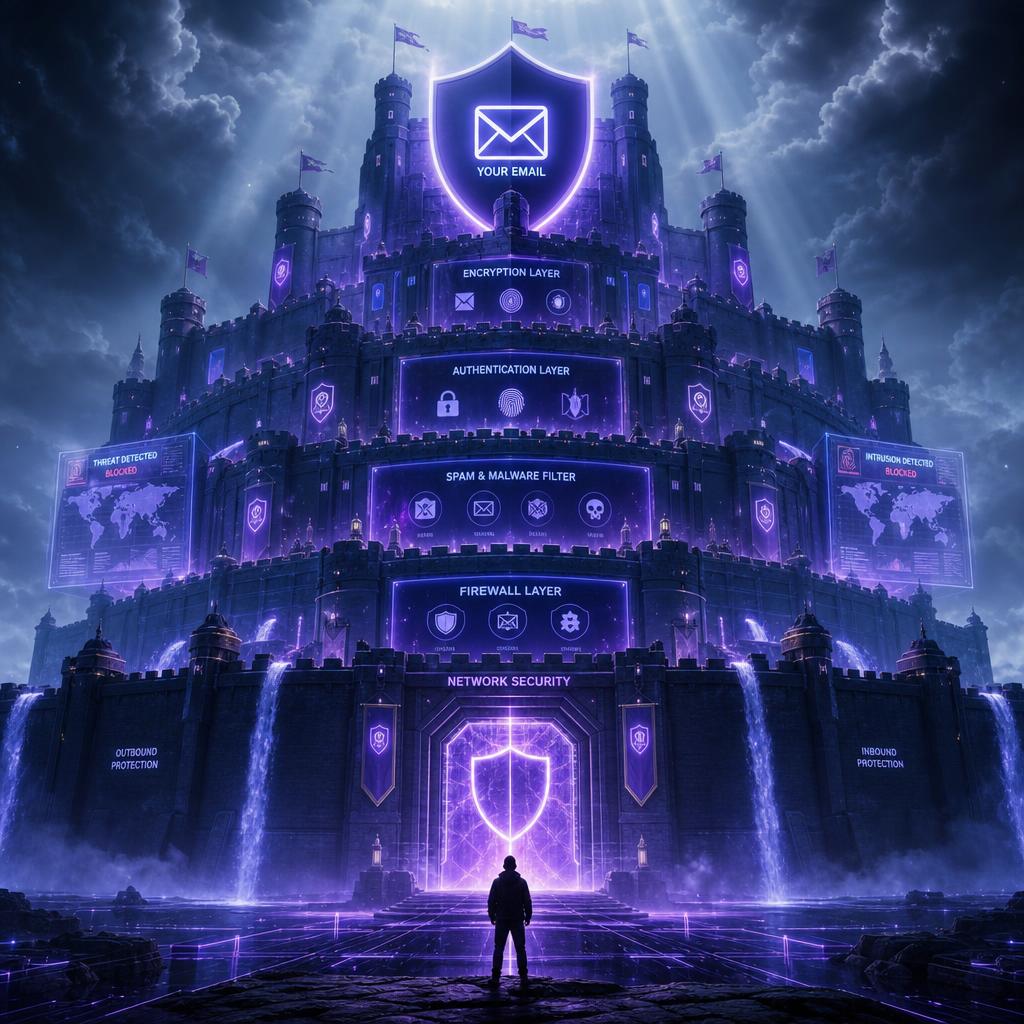
Email privacy in 2026 is a more layered problem than it was a decade ago. The threats are more sophisticated — AI-generated phishing, pixel tracking, credential stuffing at scale — the regulatory environment is patchier than it looks, and the casual assumption that 'my inbox is private' has been quietly disproved by years of breach revelations. This guide covers every meaningful layer of email privacy, from the address you give out to the client you use to read it.
Layer 1: Address hygiene — who has your real email
The most impactful privacy decision you make about email is not a setting — it is who you give your real address to. Every service that has your primary email is a potential source of spam, a potential breach victim, and a potential data broker partner. The practical solution is address tiering: a real address for banking, healthcare, government, and close relationships; a secondary address for regular online services; and a disposable address from Tmail.pk for every one-off signup that does not need an ongoing relationship.

Layer 2: Tracking prevention — what you let senders know
Tracking pixels in marketing emails can record open time, IP address, and device information. Disabling automatic remote image loading prevents many pixel requests. Apple Mail's Mail Privacy Protection proxies image fetching, and some email providers block known trackers. A separate inbox reduces address linkage, but technical data can still identify or correlate activity.
Layer 3: Provider choice — who can read your email

Your email provider stores your messages and can — in theory — read them. Most major providers scan email content to power spam filtering and other features. The choice of provider matters less for most people than the habits around what addresses you share: using a separate temp mail address for low-trust services means a breach there never reaches your primary inbox.
Layer 4: Password and account security
A private inbox is only as private as its password. A weak or reused password on your email provider is the fastest route to someone else reading your mail. Use a long, randomly generated password managed by a password manager, enable two-factor authentication, and review active sessions periodically.
Frequently Asked Questions
What is the most effective way to protect my email privacy?
Use durable email for accounts, purchases, trials, support, and recovery. Temporary email can reduce disclosure of a primary address in authorized low-sensitivity scenarios, but it does not keep identity untouched or prevent correlation.
Do I need a separate email address for every website?
Use temporary addresses only for authorized QA/testing and optional low-sensitivity mail where accepted. Address limits help prevent abuse; never multiply accounts or eligibility.
Do I need to encrypt my emails?
For most people, no. Email encryption matters for journalists, lawyers, activists, and anyone whose email content could be used against them. For typical personal use, strong account security (unique password plus 2FA) and address hygiene — keeping your real address out of low-trust signups — cover the most common threats.
How do I know if my email has been leaked?
Watch for unexpected password reset emails, login notifications from services you haven't used recently, or being locked out of an account. If you suspect a leak, change the password for that service immediately, enable two-factor authentication, and review other accounts that share the same credentials.
#email privacy guide#email privacy 2026#email security tips#private email#protect email privacy